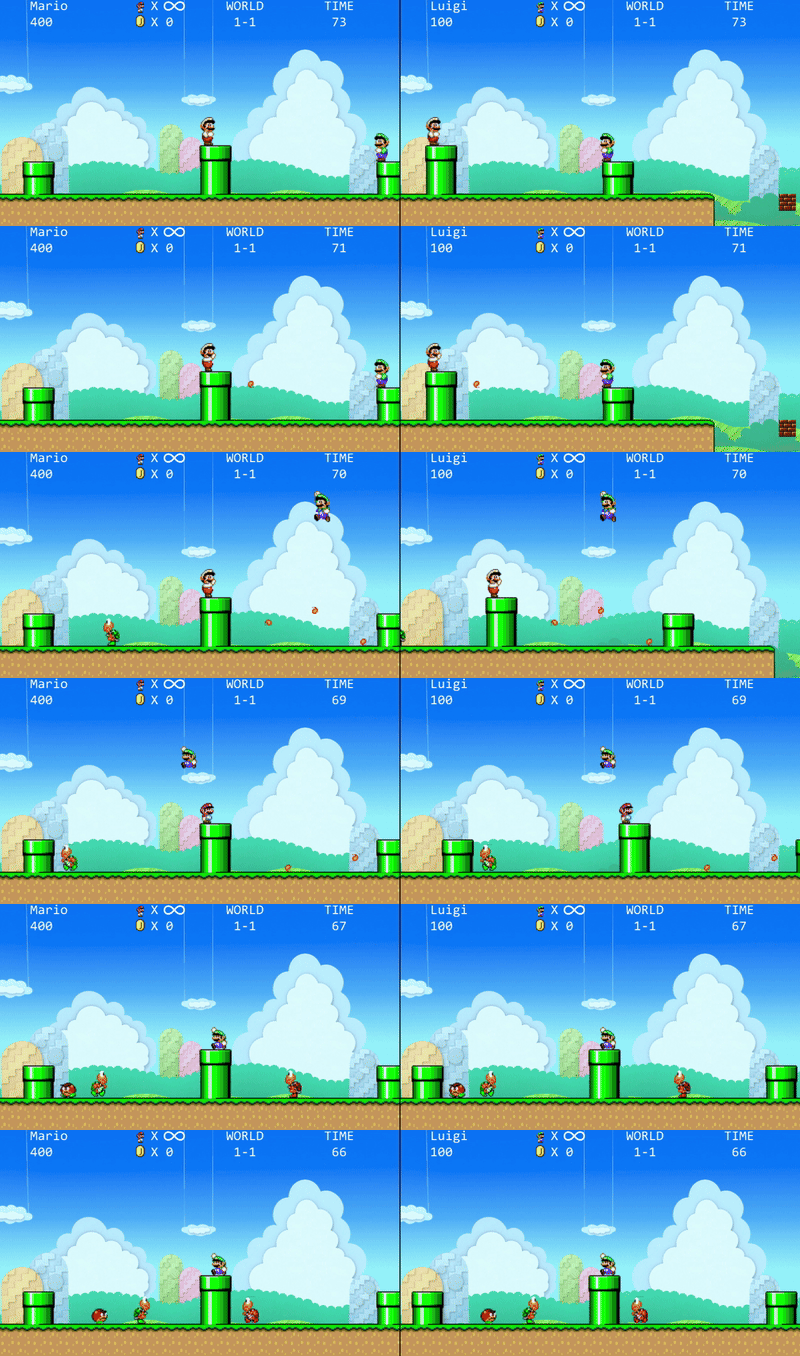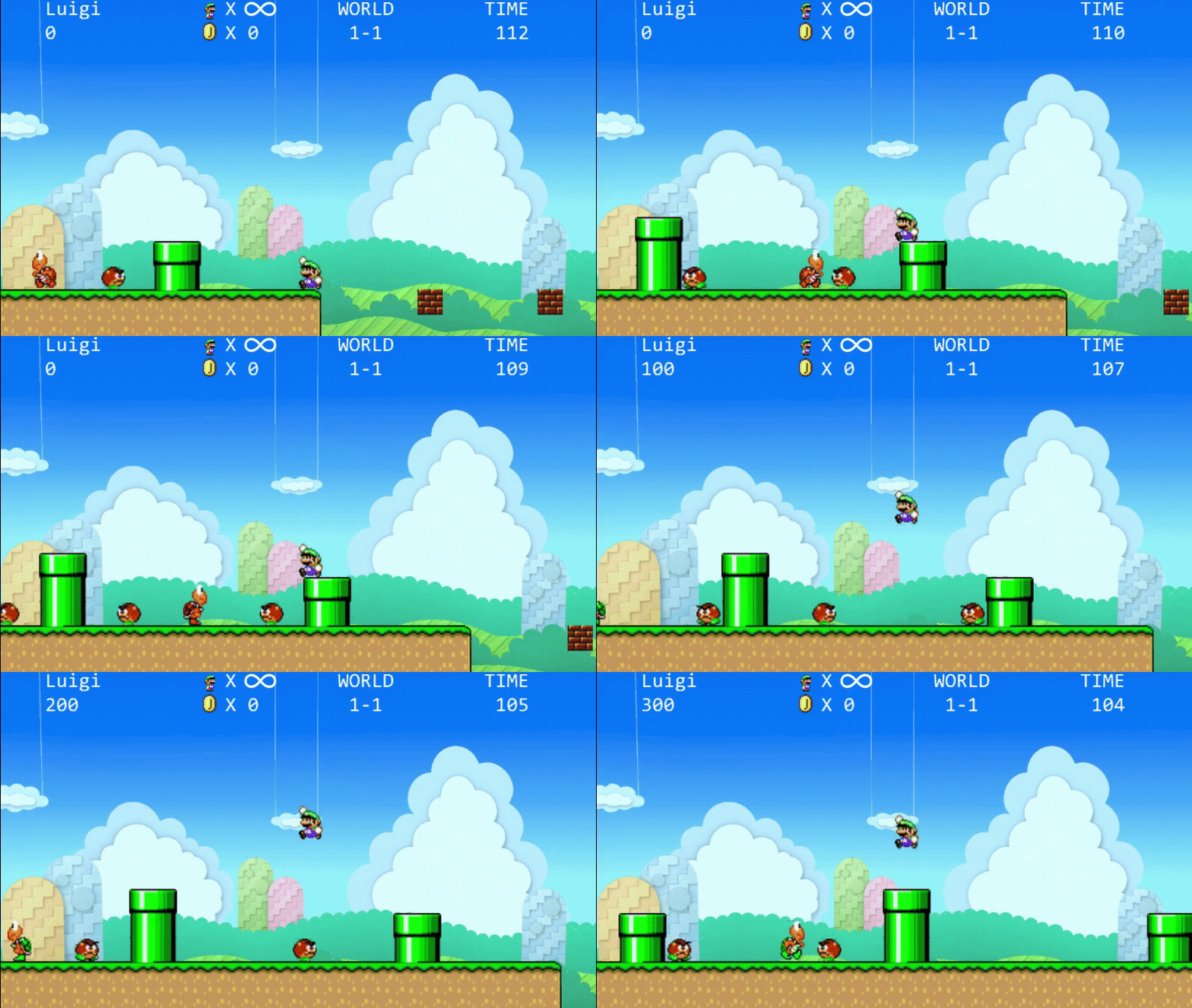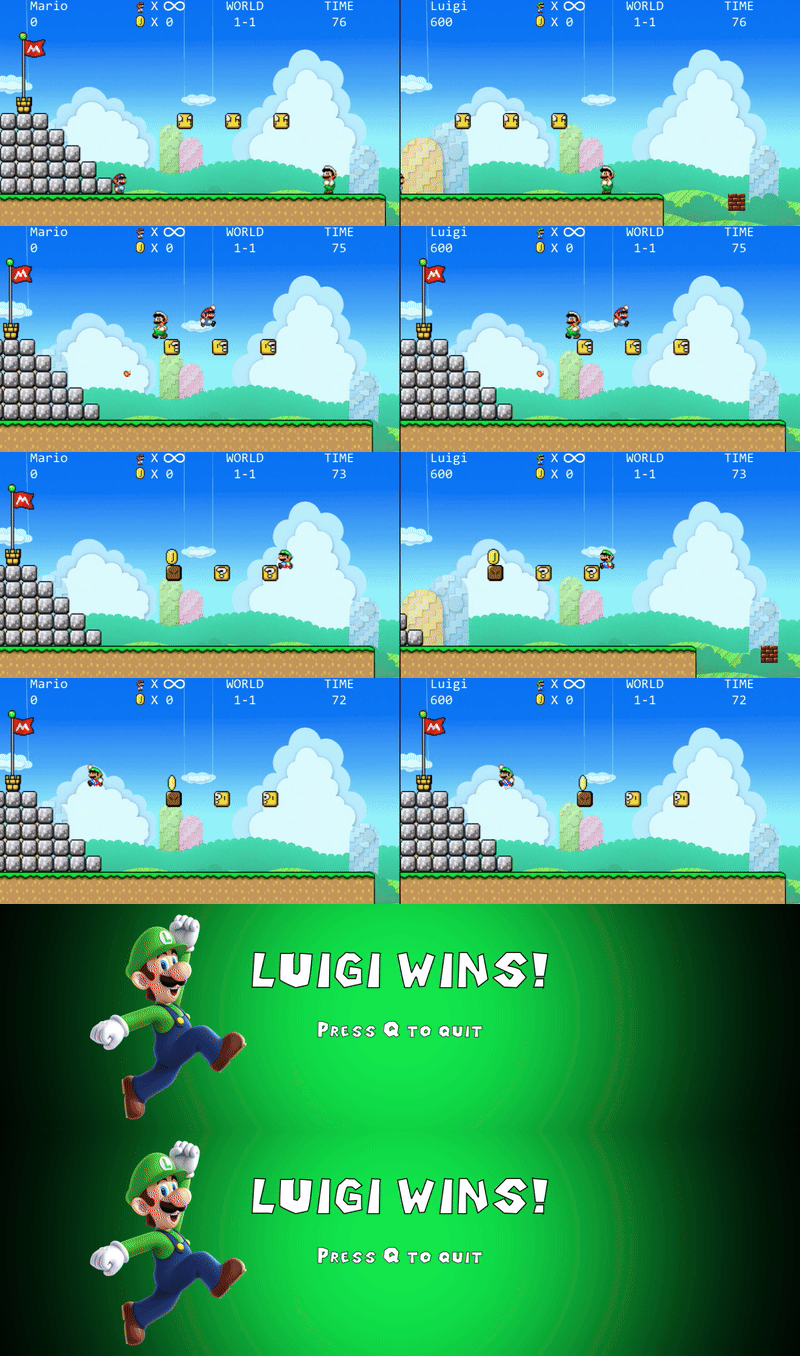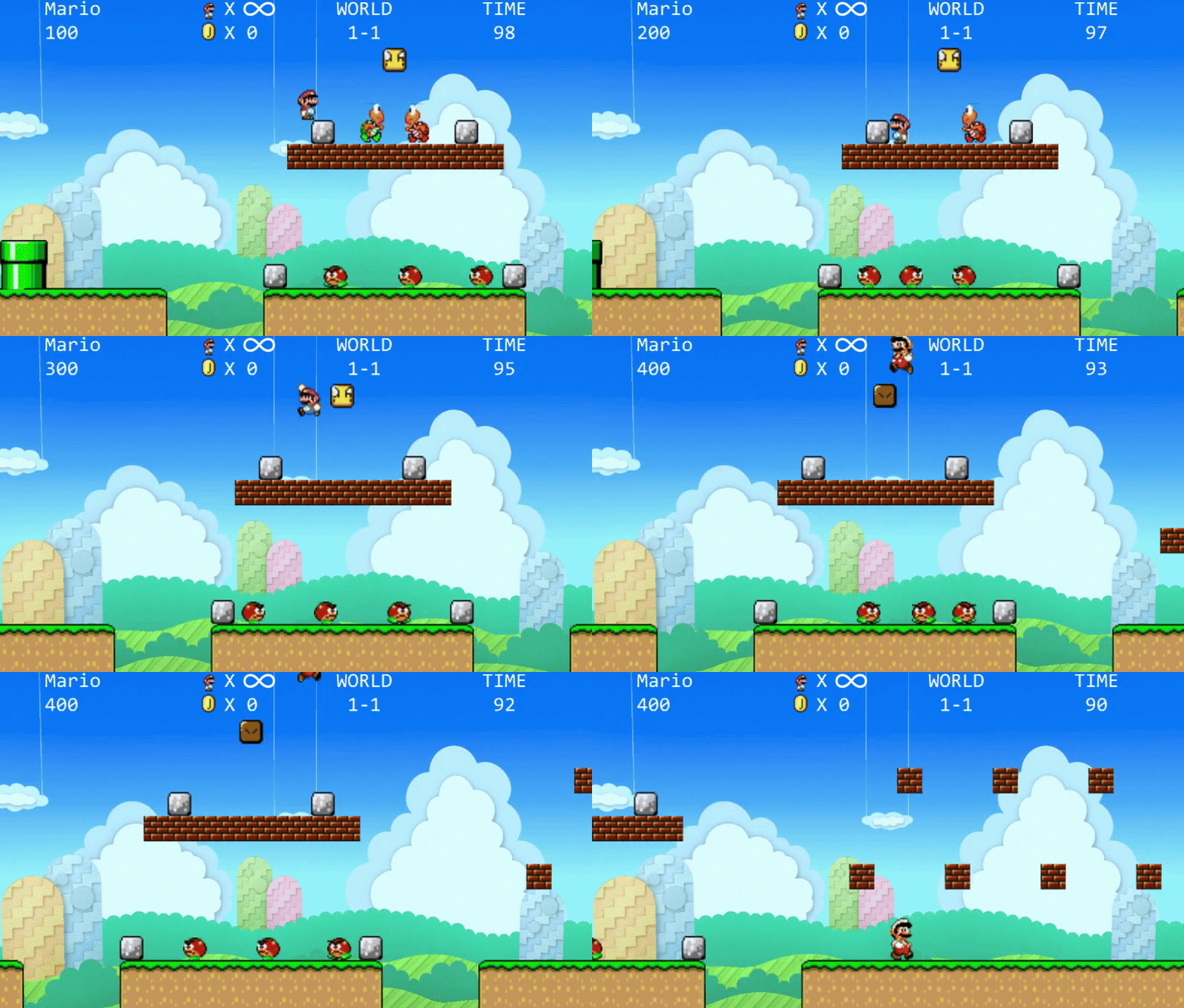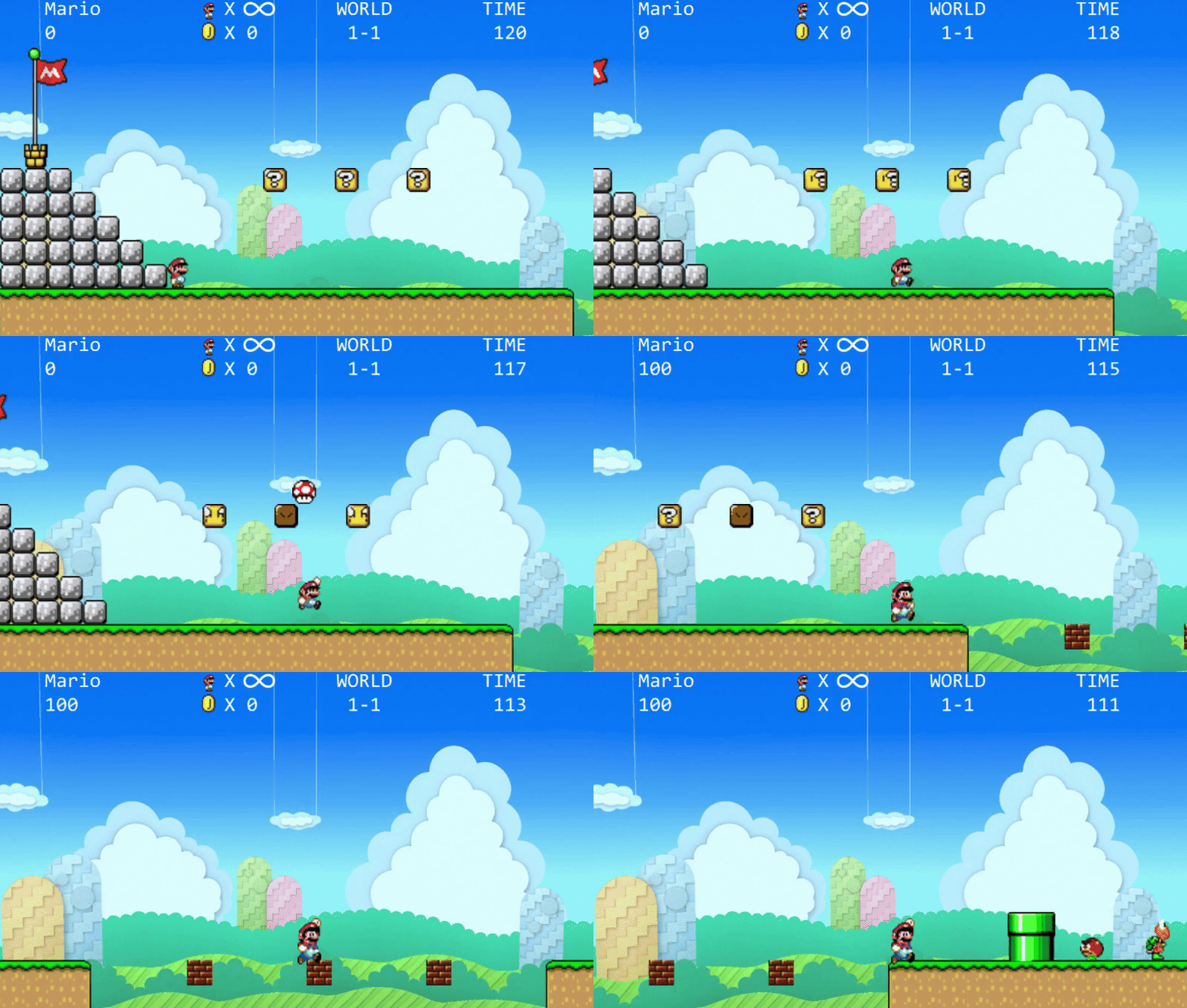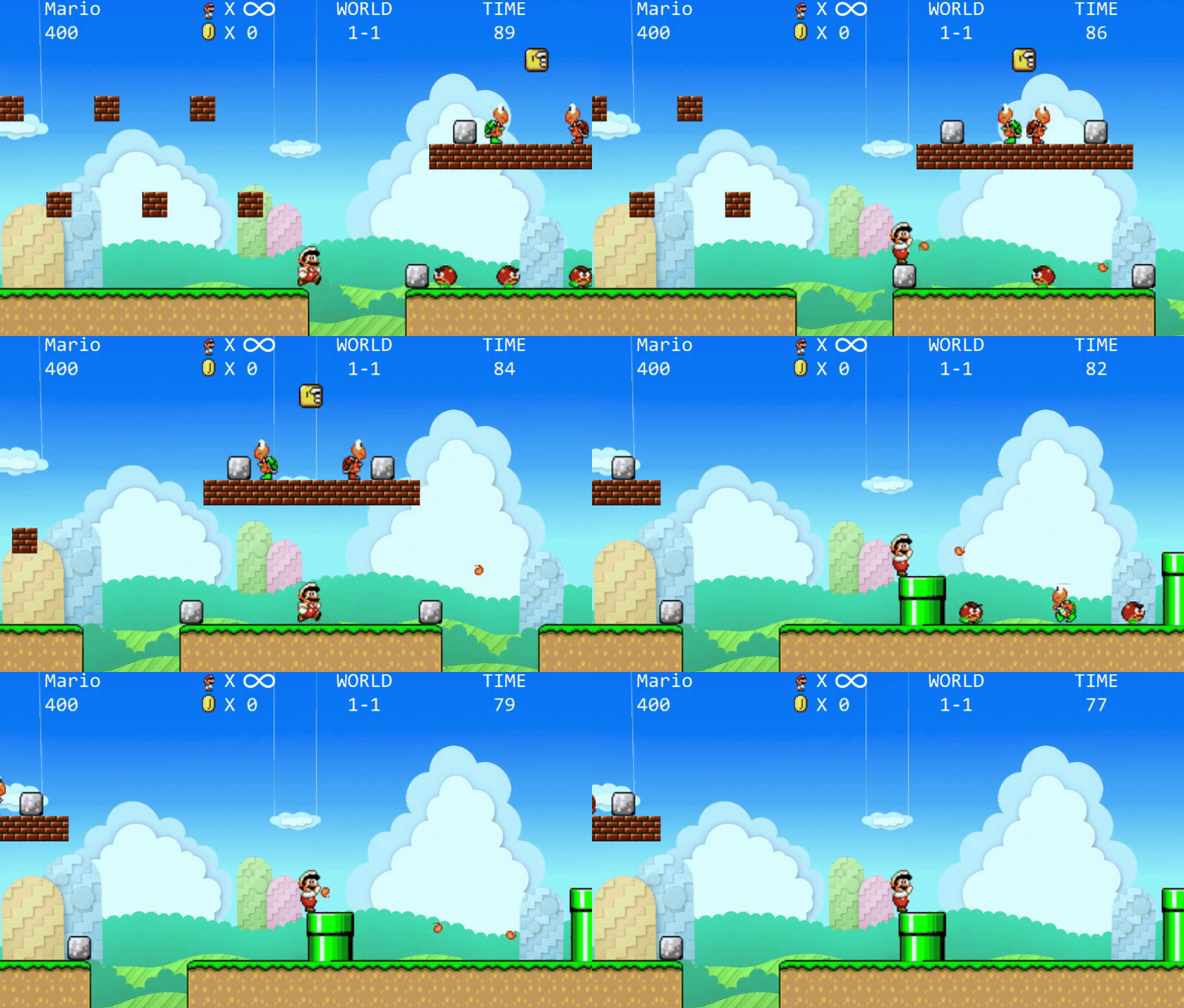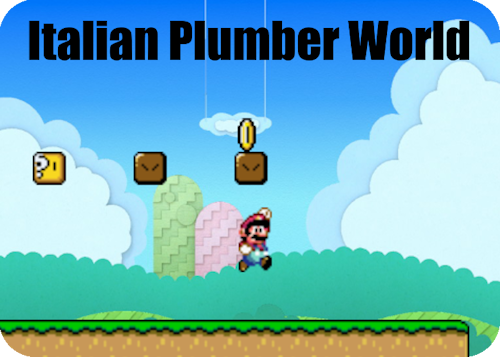
Italian Plumber World is a game modeled after the classic Mario titles with a twist: two players compete in a head-to-head split-screen race to capture the other player’s base first. They will jump over obstacles, stomp on foes, collect power-ups, and battle each other until the bitter end! The first player to reach the other’s base without dying before time runs out wins!
The game was developed using the MonoGame engine by a team of 6 programmers. My primary contributions included creating the framework to load the level and AI agents, data-driving and loading level, sprite, and sound information.
Features at a Glance:
Data Driven Level Loading Framework
The 2D scene in Italian Plumber World is represented as a grid. Each cell in the grid can either have a block, an enemy, or nothing at all. Due to the size and complexity of the world, a data-driven solution was implemented to simplify level creation and management while also allowing for on the fly changes.
The level layouts are defined in XML files. The XML structure used details the columns (x values) and rows (y values) within the level. Each entry defines the object in a specific location and can contain attributes such as block type, lucky box content, or enemy respawn frequency. By data driving the level information, levels can by modified or added without requiring a recompilation of the program.
<Column x="86">
	<block y="0" class="GroundBlock" />
	<block y="1" class="GrassBlock" />
	<enemy y="4" class="Goomba" respawnFrequency="20" />
	<block y="7" class="BrickBlock" />
	<block y="11" class="LuckyBlock" item="FireFlower" />
</Column>
<Column x="87">
	<block y="0" class="GroundBlock" />
	<block y="1" class="GrassBlock" />
	<block y="7" class="BrickBlock" />
	<enemy y="11" class="RedKoopaTroopa" respawnFrequency="15" />
</Column>
<Column x="88">
	<block y="0" class="GroundBlock" />
	<block y="1" class="GrassBlock" />
	<block y="7" class="BrickBlock" />
</Column>
The factory pattern is used throughout the program for both game and sprite creation:
Level Building
A custom XML parser reads the level data and passes it to the LevelFactory, which generates objects based on the IEntity interface. This is furthered by more specialized interfaces like IEnemy and ICollidable which handle specific behaviors such as collisions or AI logic.
Sprite Building
Sprite data is also managed through XML, detailing attributes like position, size, and animation frames. This data is processed by the SpriteFactory to produce SpriteObject instances, ensuring modularity and reusability.
Sound Building
Similarly to sprites, sound data is also managed through XML. Scenarios where a specific sound should play are mapped to the relative path for the sound file within the data. The SoundFactory reads and primes this information before sending it off for use in the SoundManager.
Gameplay Highlights